<!-- a writing app that grows with you -->
Novelist
Beautiful. Lightweight. Extensible. Free and open source.
<!-- 01 / what you see is what you mean -->
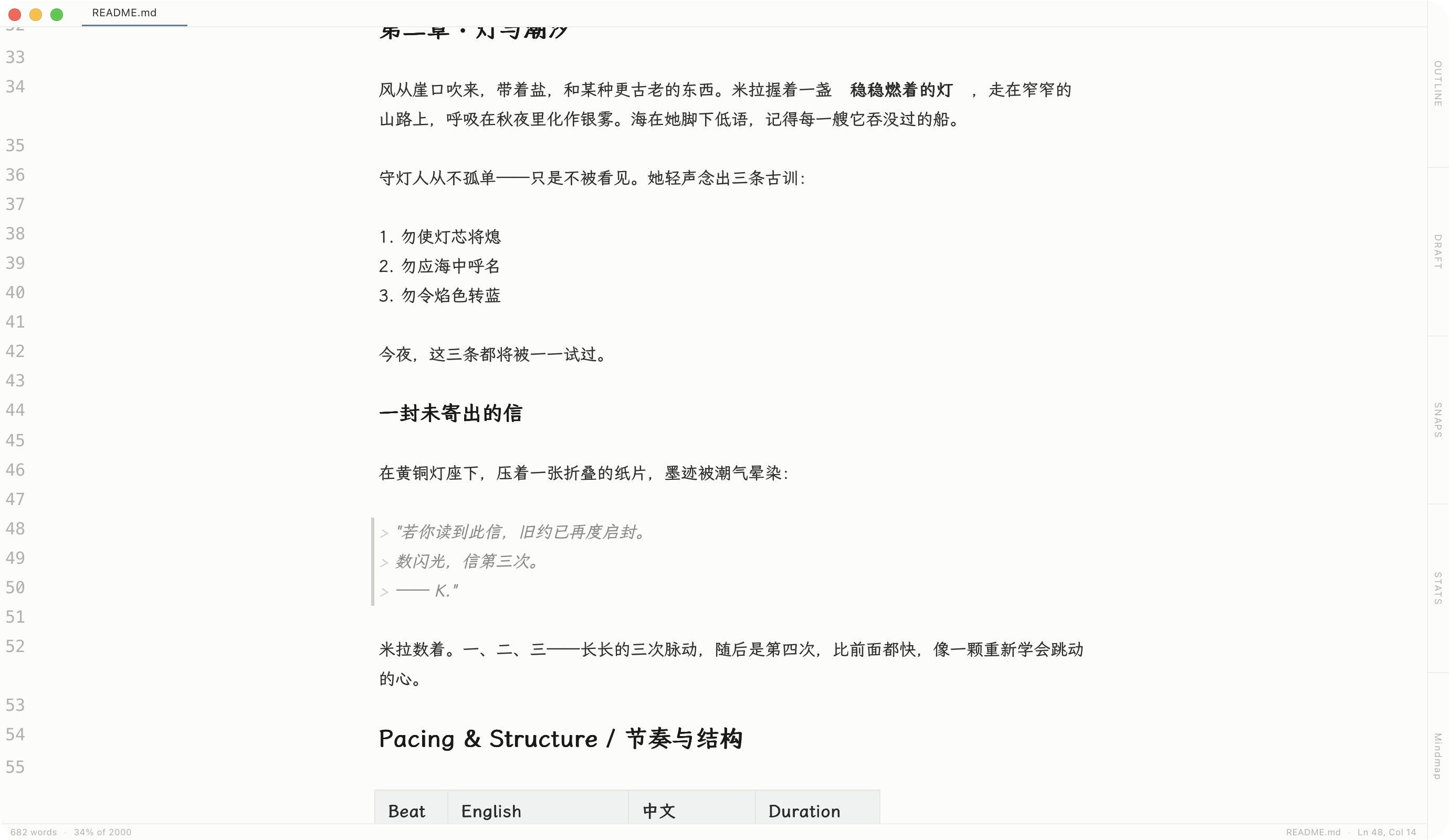
What You See Is What You Mean
Just start typing. Your formatting appears instantly as you write — no switching between editing and preview. A clean page that stays out of your way.
- See your text beautifully formatted as you type
- Headings, lists, and quotes — all styled automatically
- Supports images, tables, math, and more
<!-- 02 / type it, see it -->
Type It, See It
No mouse, no preview pane. Markdown shortcuts turn into headings, bold, lists, and links the moment you type them — your fingers stay on the keys.
-
#Heading -
**Bold -
*Italic -
-List -
[]()Link -
>Quote
<!-- 03 / AI collaboration -->
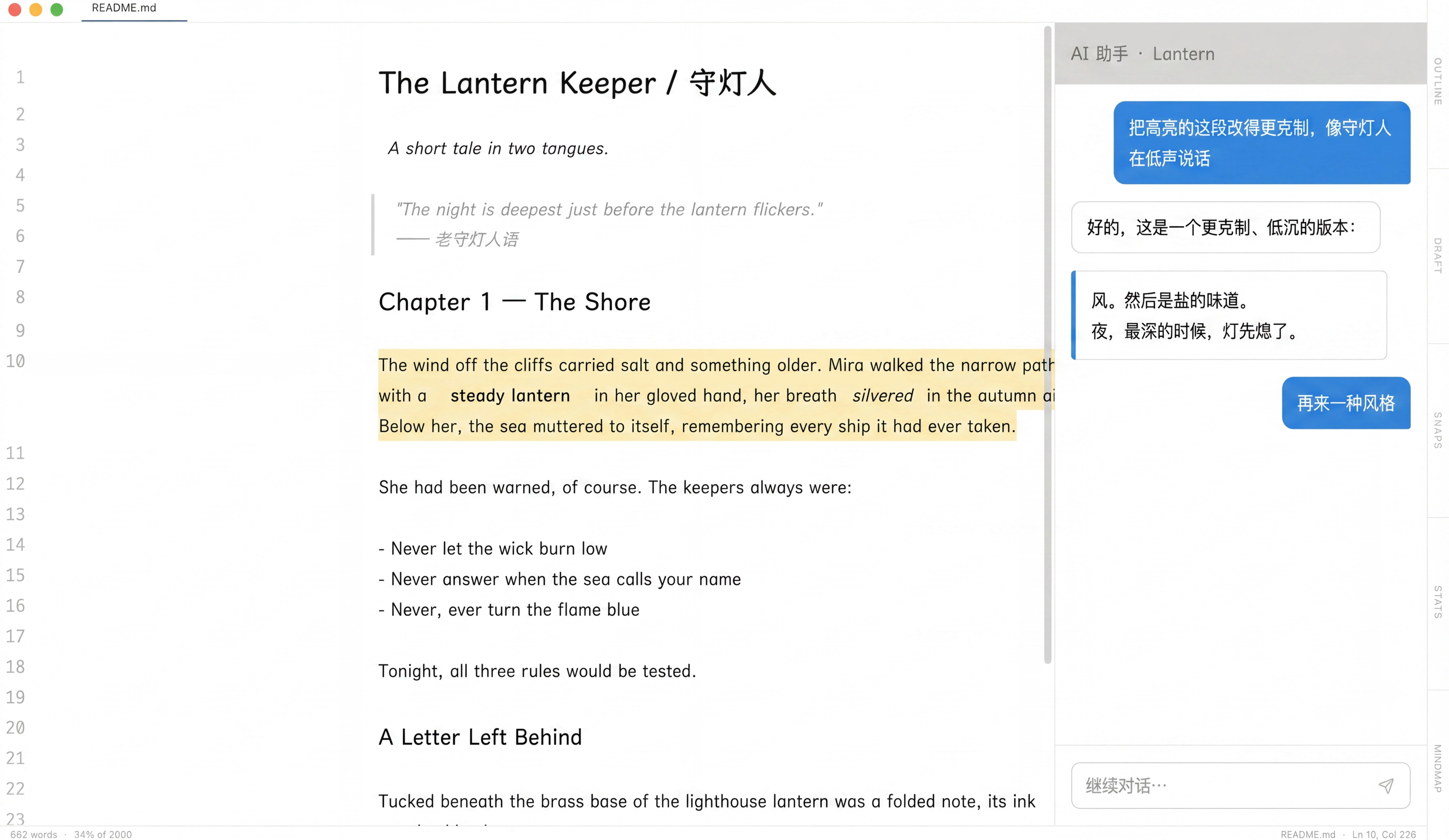
Review AI edits before they land
Version 0.3.0 sharpens AI Chat and AI Agent: navigate slash and @ menus from the keyboard, edit or retry messages, save every model connection as a profile, and review structured SEARCH/REPLACE suggestions as word-diff cards before accepting or rejecting them.
- Slash and @ menus support arrows, Tab, and Enter without interrupting CJK IME composition
- Edit user messages, retry assistant replies, copy either side, and branch cleanly
- Structured edit suggestions render as word-level diff cards with Accept, Reject, and Accept all
App Size Comparison
Large-File Editing
500,000 lines · 60 fps
<!-- 04 / light & fast -->
Light, Yet Unstoppable
Novelist is tiny — just 12 MB. It launches instantly and barely touches your battery or memory, so your laptop stays cool and quiet while you write.
Even on files with hundreds of thousands of lines, editing stays smooth at 60 fps — no stutter, no dropped keystrokes, no breaks in your flow.
No heavy frameworks hiding under the hood. Just a fast, native app that respects your machine.
<!-- 05 / extend with plugins -->
Extend with Plugins
Make Novelist yours. Browse the built-in marketplace and add new capabilities with a single click.
Word Frequency
See which words you use most and refine your writing style
Smart Search
Find and replace across your entire document with ease
Reading Time
Know how long your piece takes to read at a glance
Theme Studio
Design your own editor look — colors, fonts, and more
Footnotes
Add and preview footnotes right where you write them
Export Plus
Publish to PDF, Word, EPUB, or HTML in one click
<!-- 06 / designed for deep work -->
Designed for Deep Work
Every detail is crafted to help you stay in the flow. Click the dots to explore.
Click a dot to learn about each feature
<!-- 07 / see the shape of your story -->
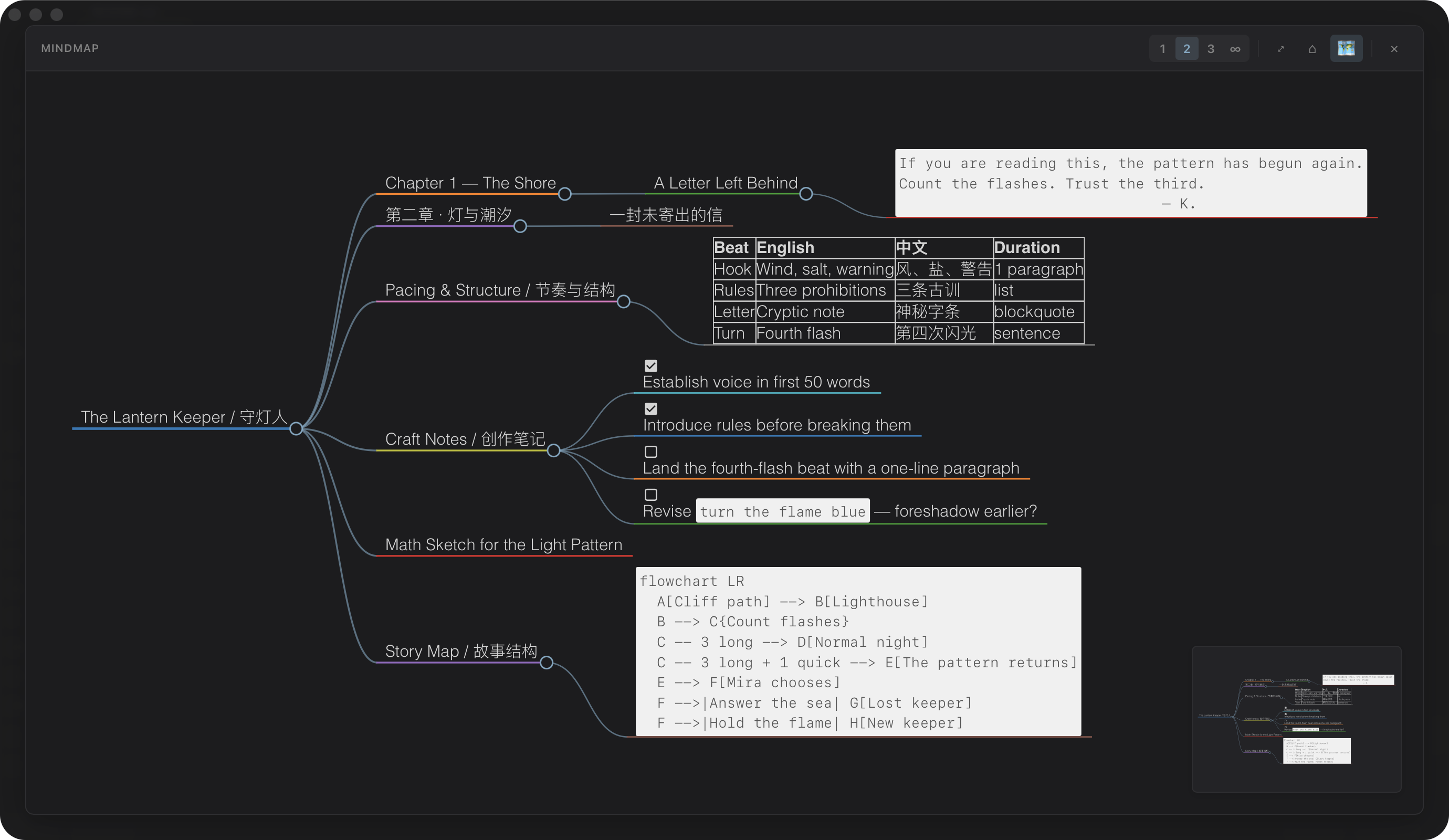
See the Shape of Your Story
One keystroke expands your document into a mindmap — every heading becomes a branch, every chapter a node. Zoom, fold, and jump straight to any section.
- Press ⌘⇧M to open the overlay for the current doc
- Expand to level 1 / 2 / 3 with ⌘1 ⌘2 ⌘3
- Minimap navigation for long novels and multi-chapter drafts
<!-- 08 / details that matter -->
Details That Matter
Small touches that add up to a writing tool you actually want to open.
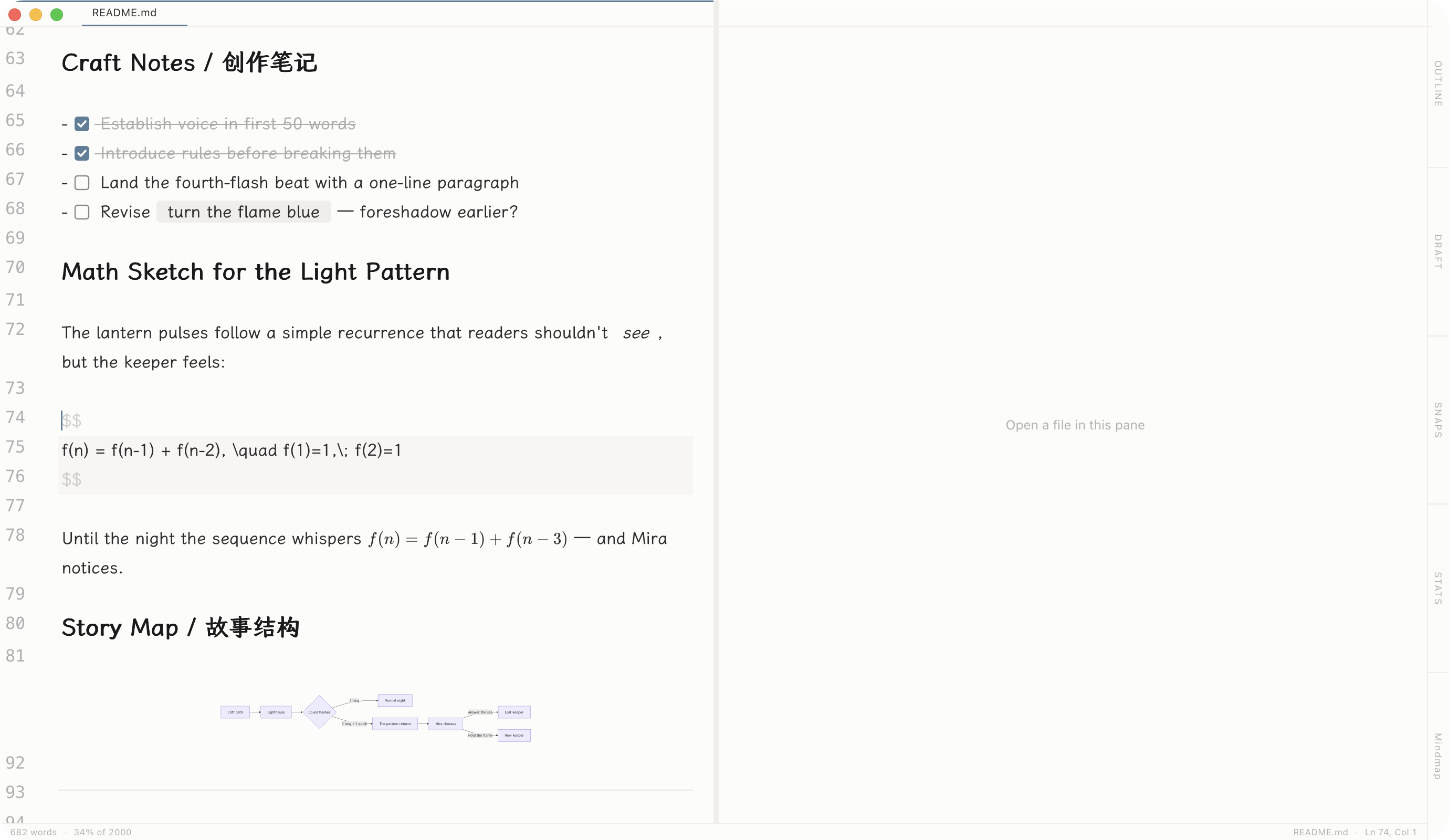
Split view
Compare drafts side by side, or keep notes open while you write.
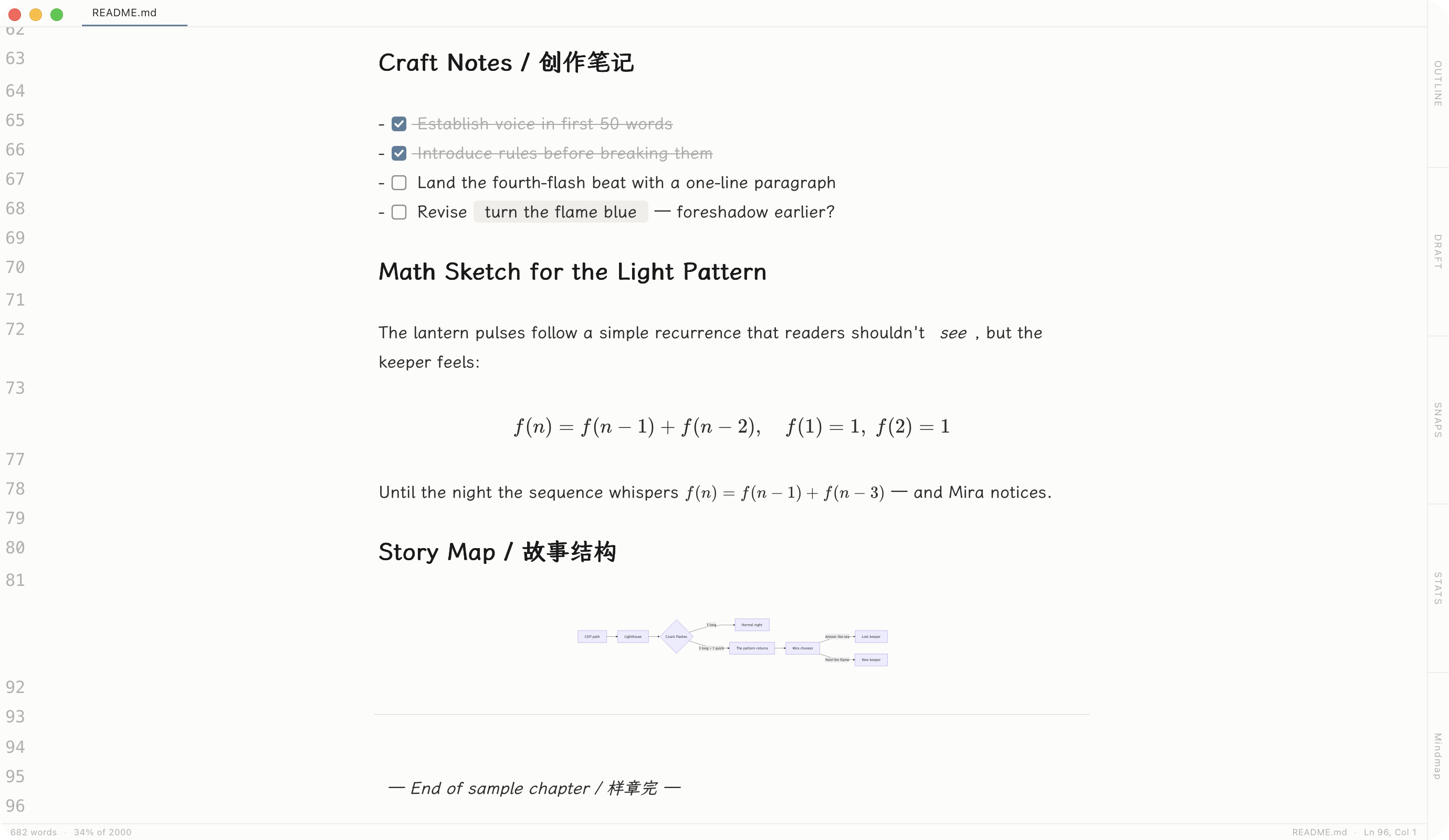
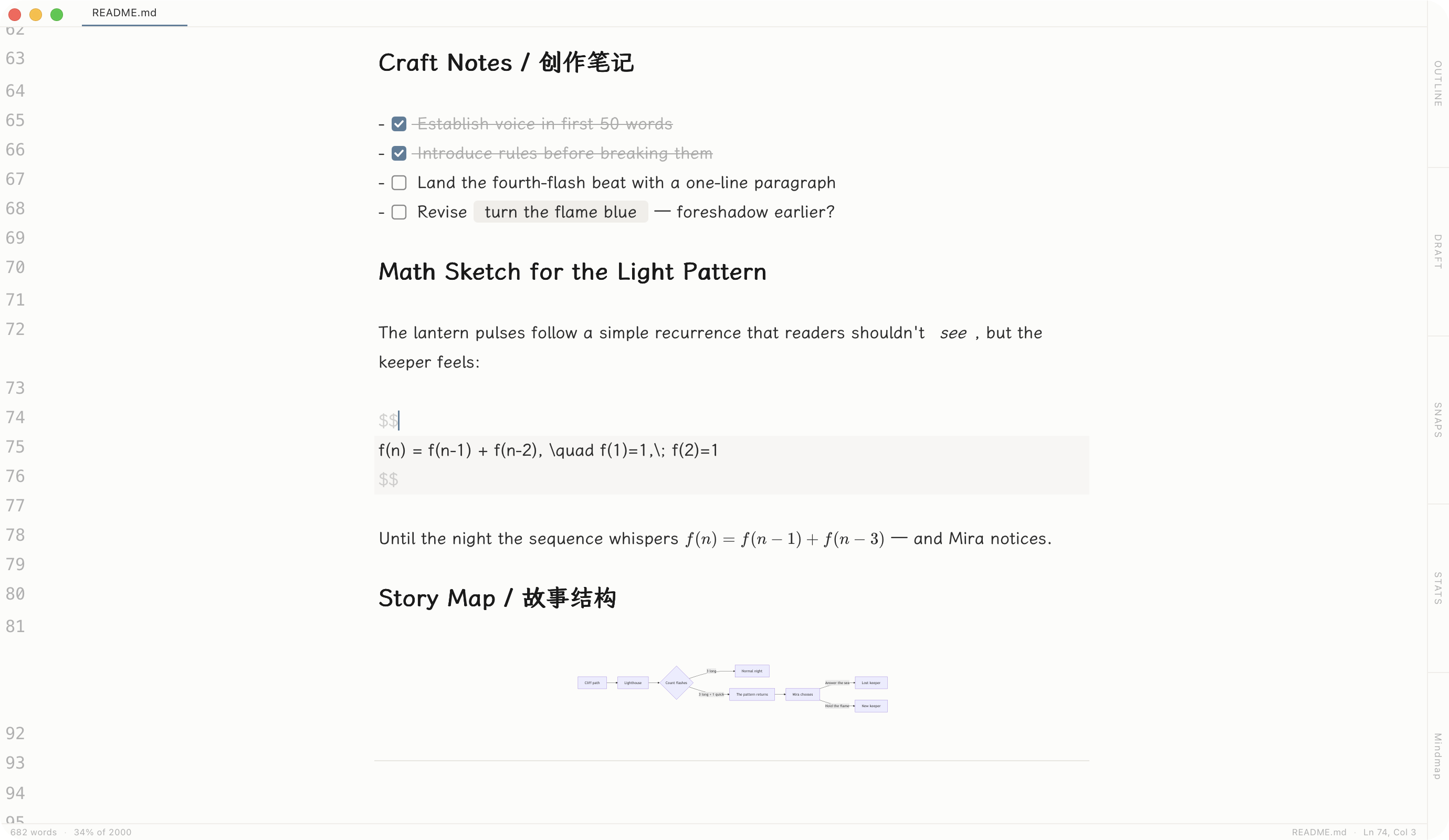
Diagrams & math
Mermaid flowcharts and LaTeX formulas render inline.
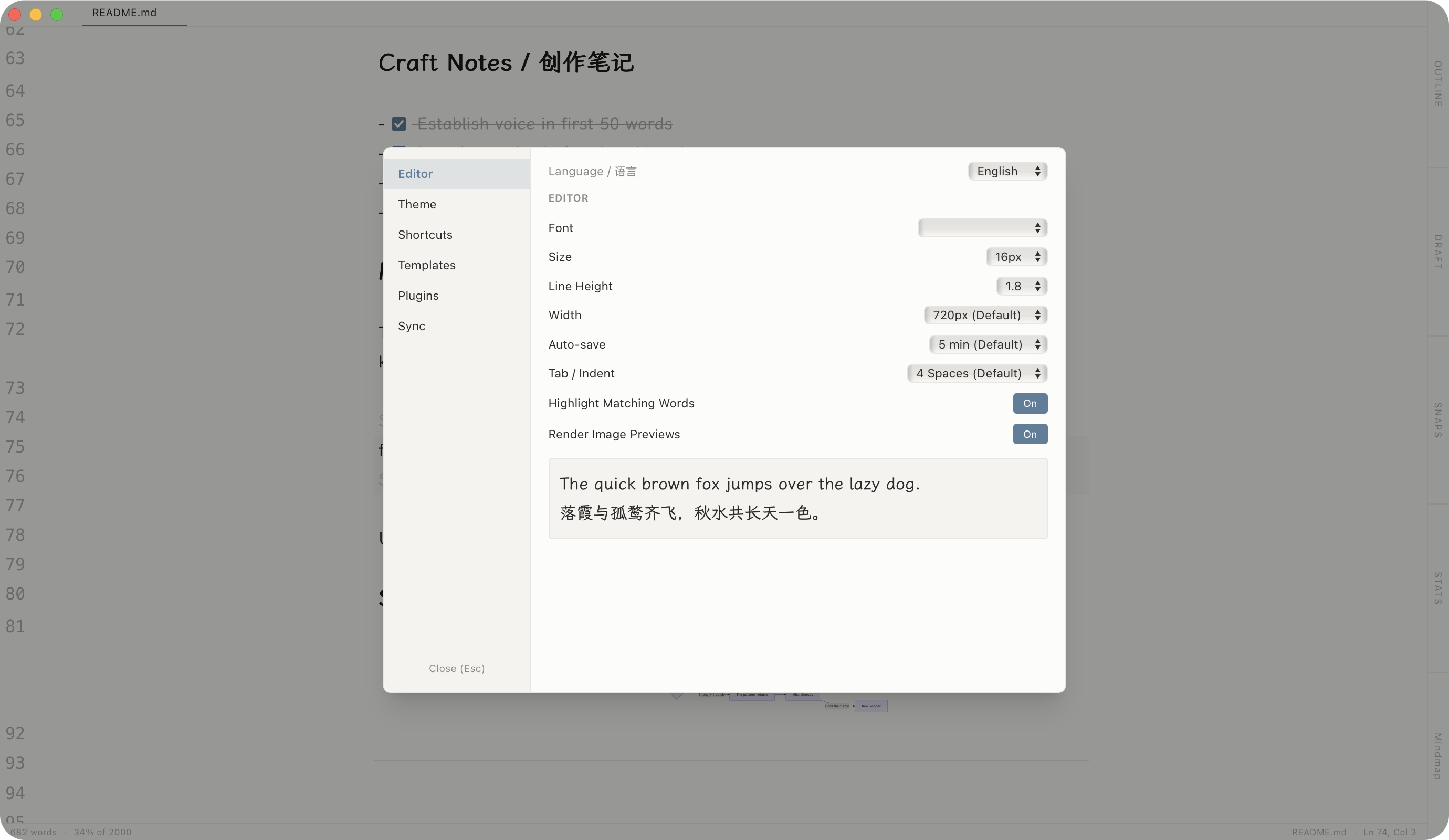
Make it yours
Fonts, themes, shortcuts, plugins — tune every detail.
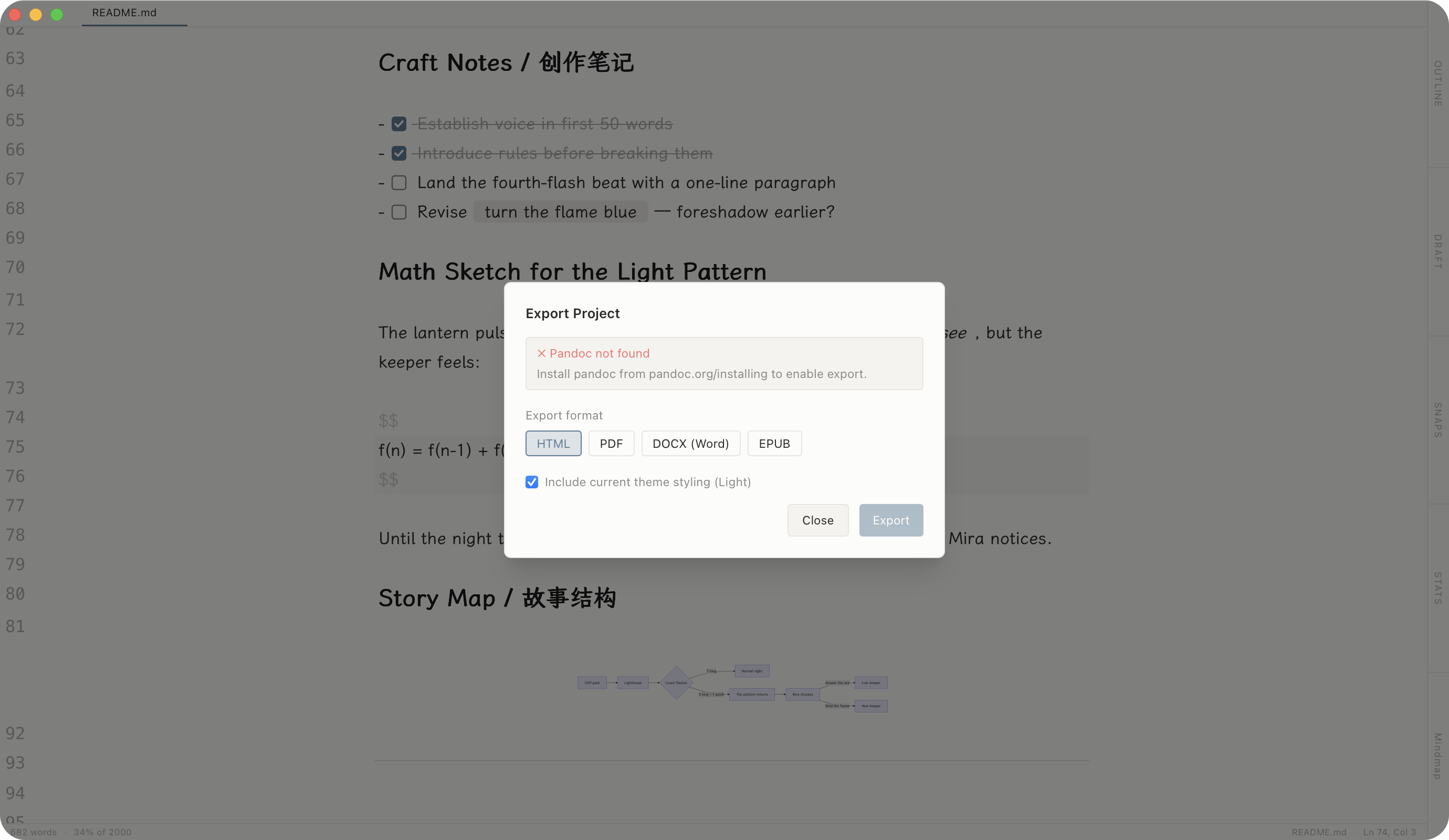
Export anywhere
One click to HTML, PDF, DOCX, or EPUB.
<!-- 09 / write in any language -->
Write in Any Language
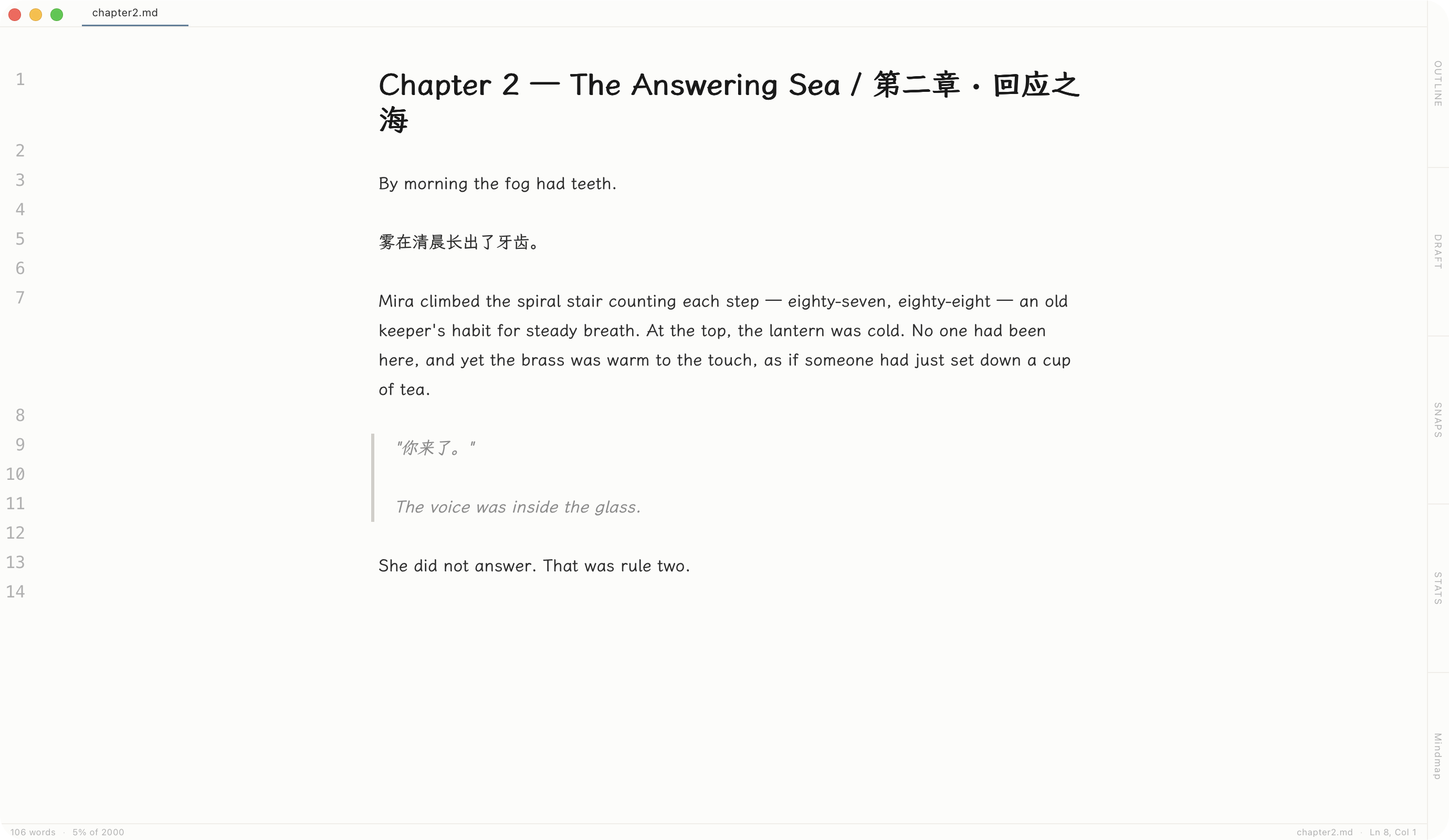
First-class support for Chinese, Japanese, and Korean — not bolted on later, but designed in from the start.
- Smooth input method experience — no flickering or lost characters
- Accurate character and word counting for every language
- Proper line breaks and punctuation — text looks right, always
<!-- 10 / free, transparent, open -->
Open Source
Novelist is free and transparent. Anyone can read the code, file an issue, or suggest improvements.